English
English

SalesDash can connect to your Teamleader account, after which you can use Teamleader data in your dashboards and gamification metrics.
Before starting, please read the general principles
Go to Providers > Providers in the SalesDash admin and create a new provider.
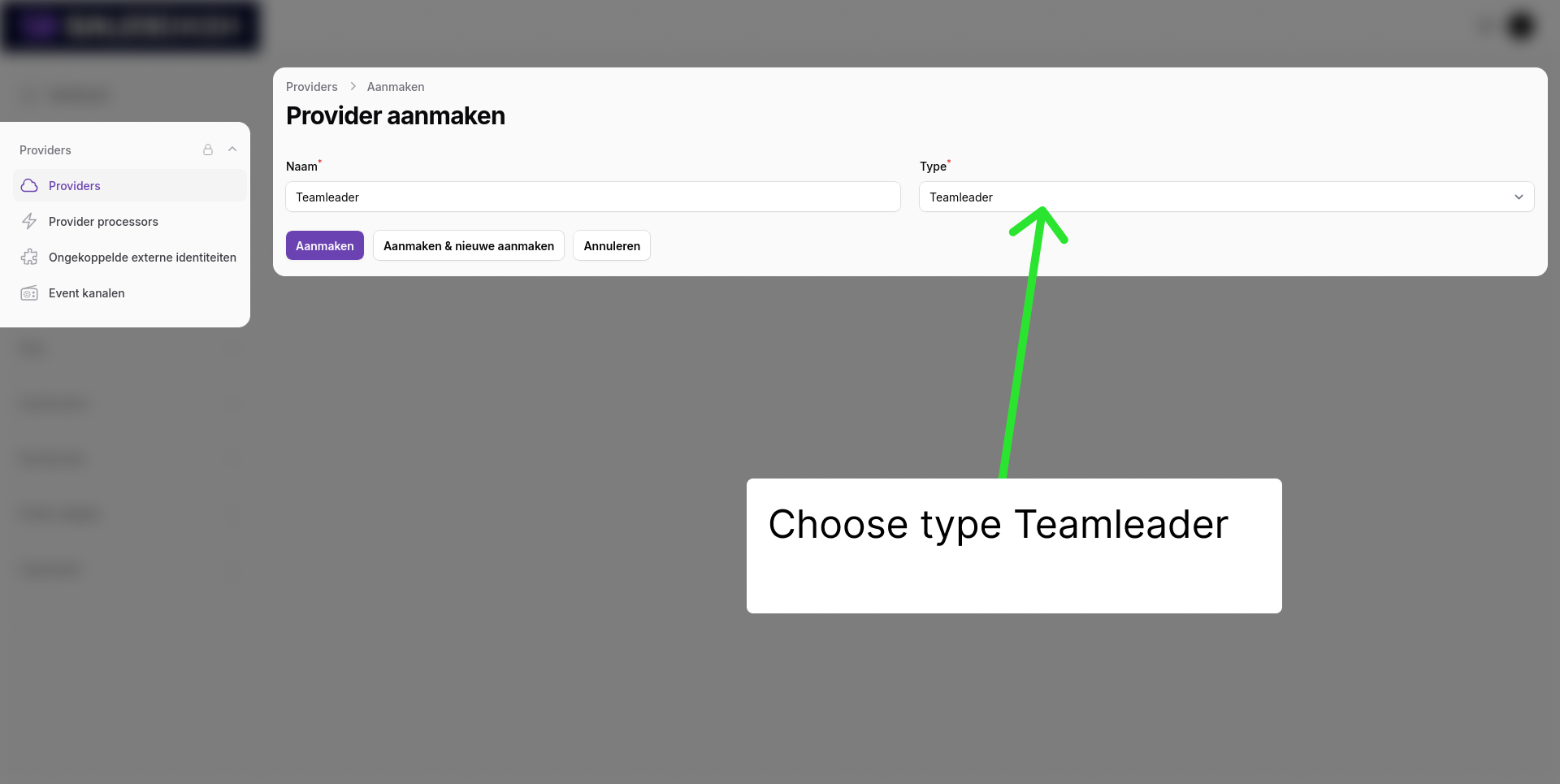
Click "Create" and install the Teamleader App.
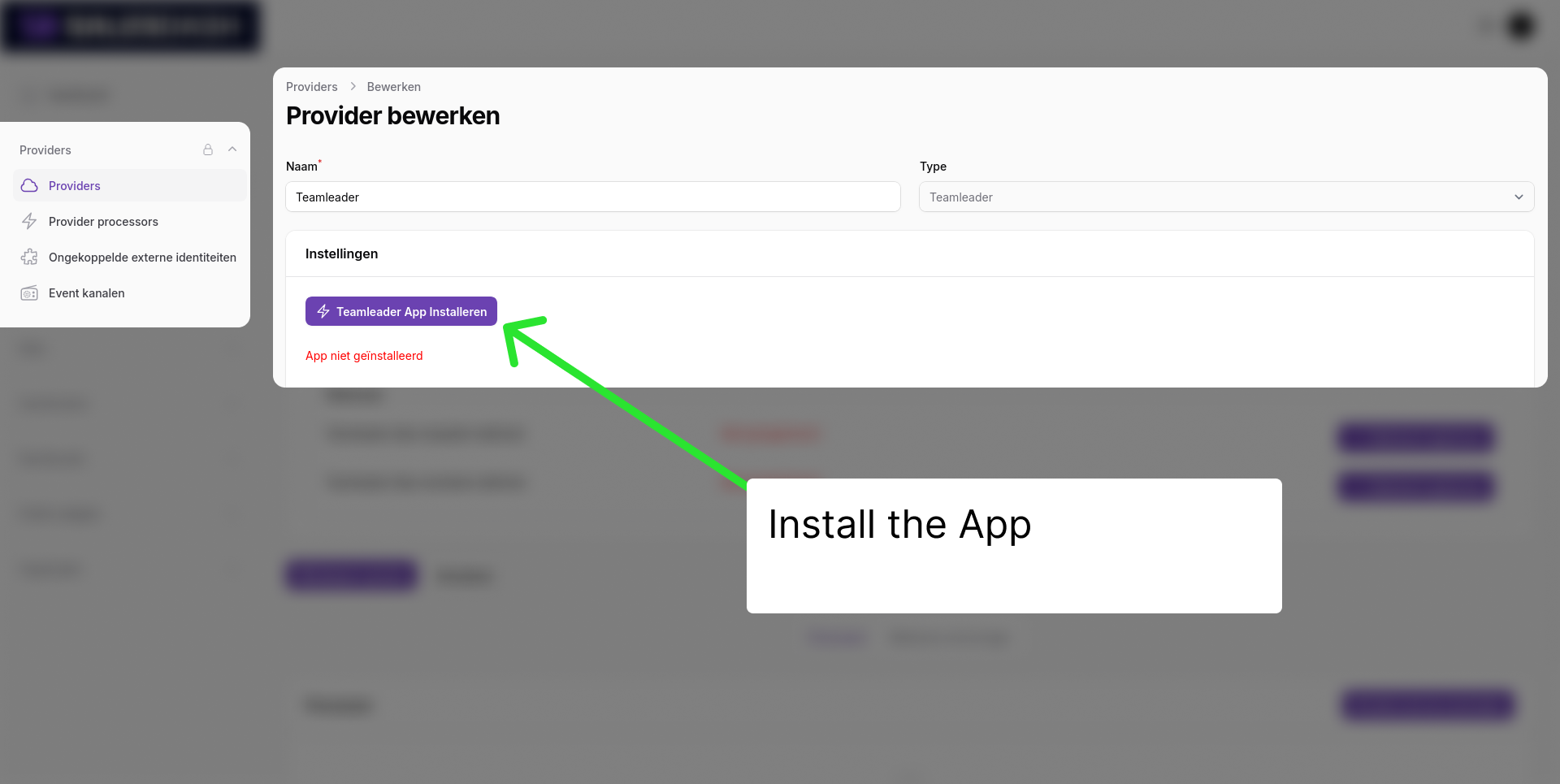
You will be redirected to Teamleader to authorize the connection. Log in with your Teamleader account and authorize SalesDash to access your data.
You will be redirected back to SalesDash, where you see "App installed" in green.
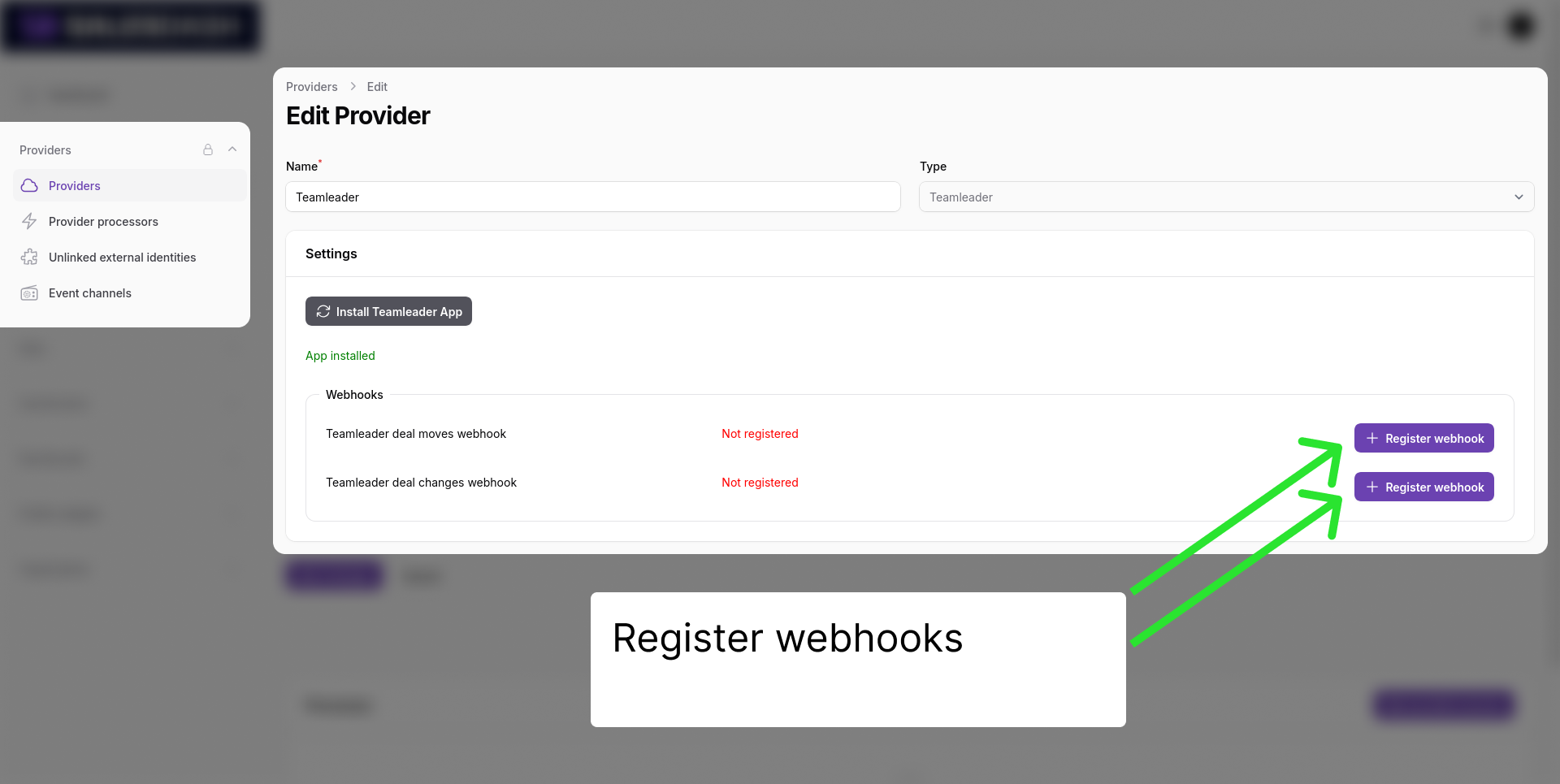
Please activate all webhooks that apply to your use case. For example, if you want to track deal stage changes, please activate both "Deal moved" and "Deal updated".
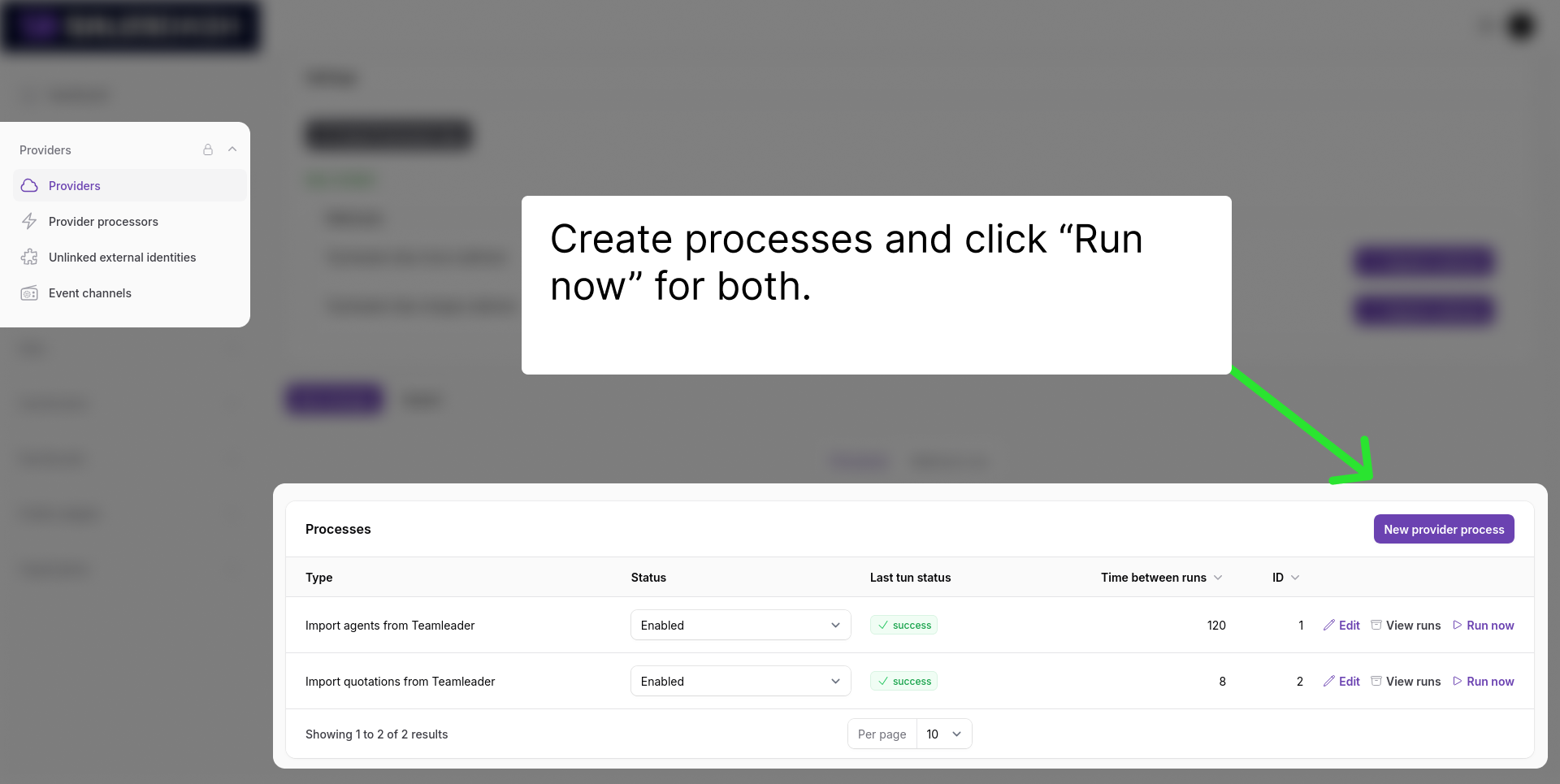
You should also create the processes which will sync your Teamleader data to SalesDash.
Always create the "Import agents" process first and run in once. Then create the other relevant processes.
Teamleader activities will now be syncted to SalesDash. You can see them at Data > Activities in the SalesDash admin.