English
English

SalesDash can connect to your Aircall account, after which you can use Aircall data in your dashboards and gamification metrics.
Before starting, please read the general principles
Go to Providers > Providers in the SalesDash admin and create a new provider.
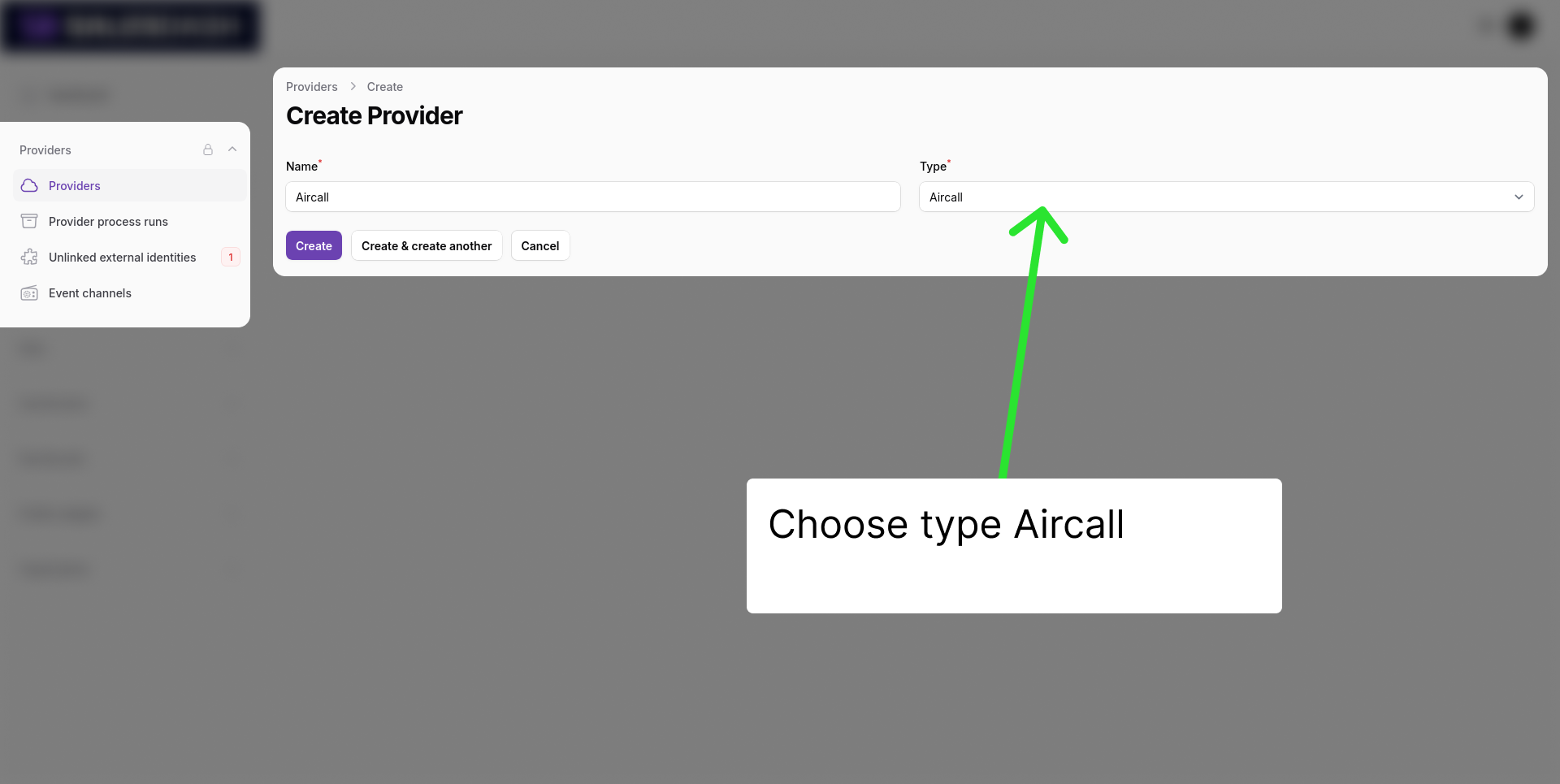
Click "Create" and install the Aircall App.
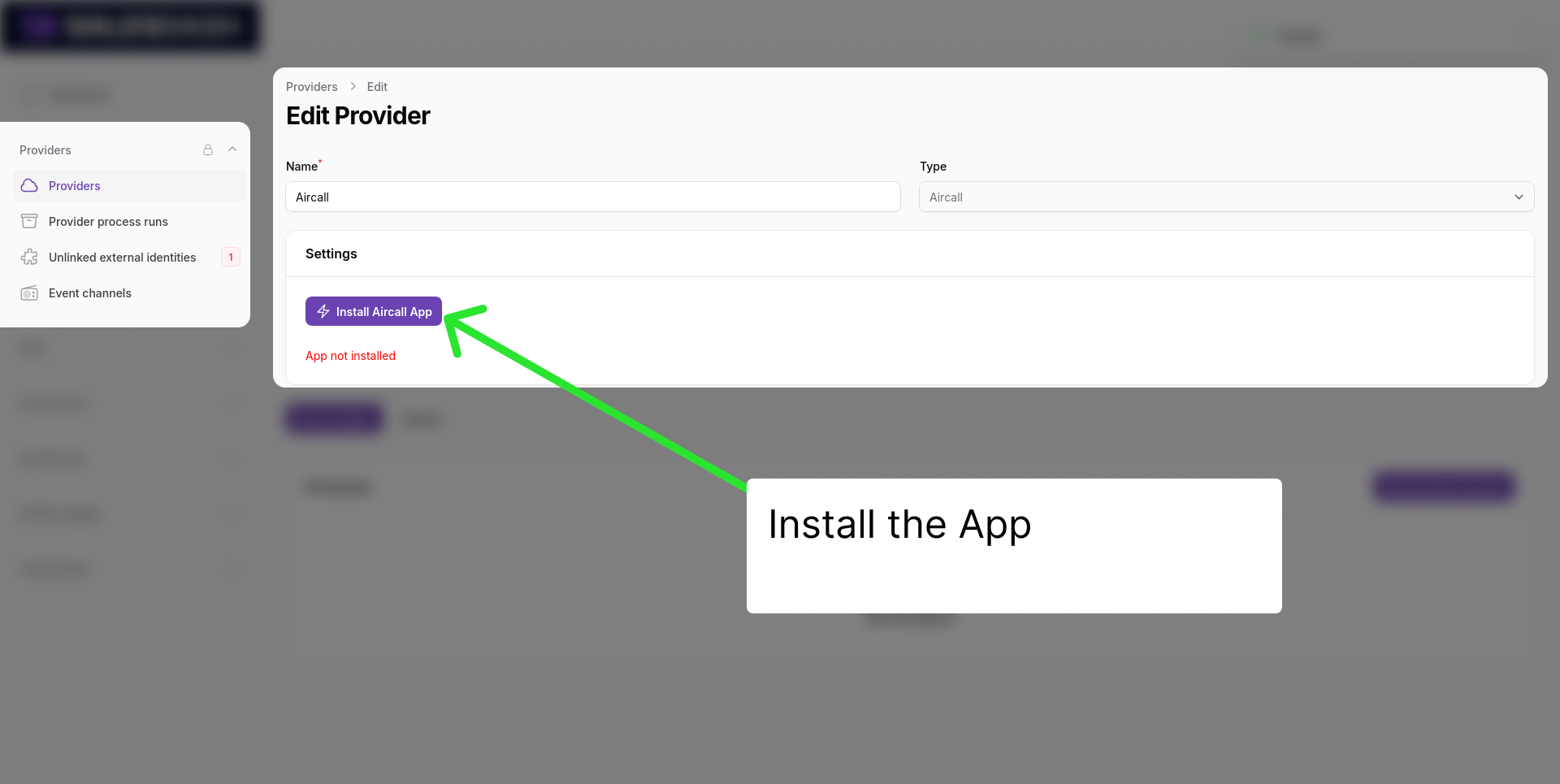
You will be redirected to Aircall to authorize the connection. Log in with your Aircall account and authorize SalesDash to access your call data.
You will be redirected back to SalesDash, where you see "App installed" in green.
You can now create the processes which will sync your Aircall data to SalesDash.
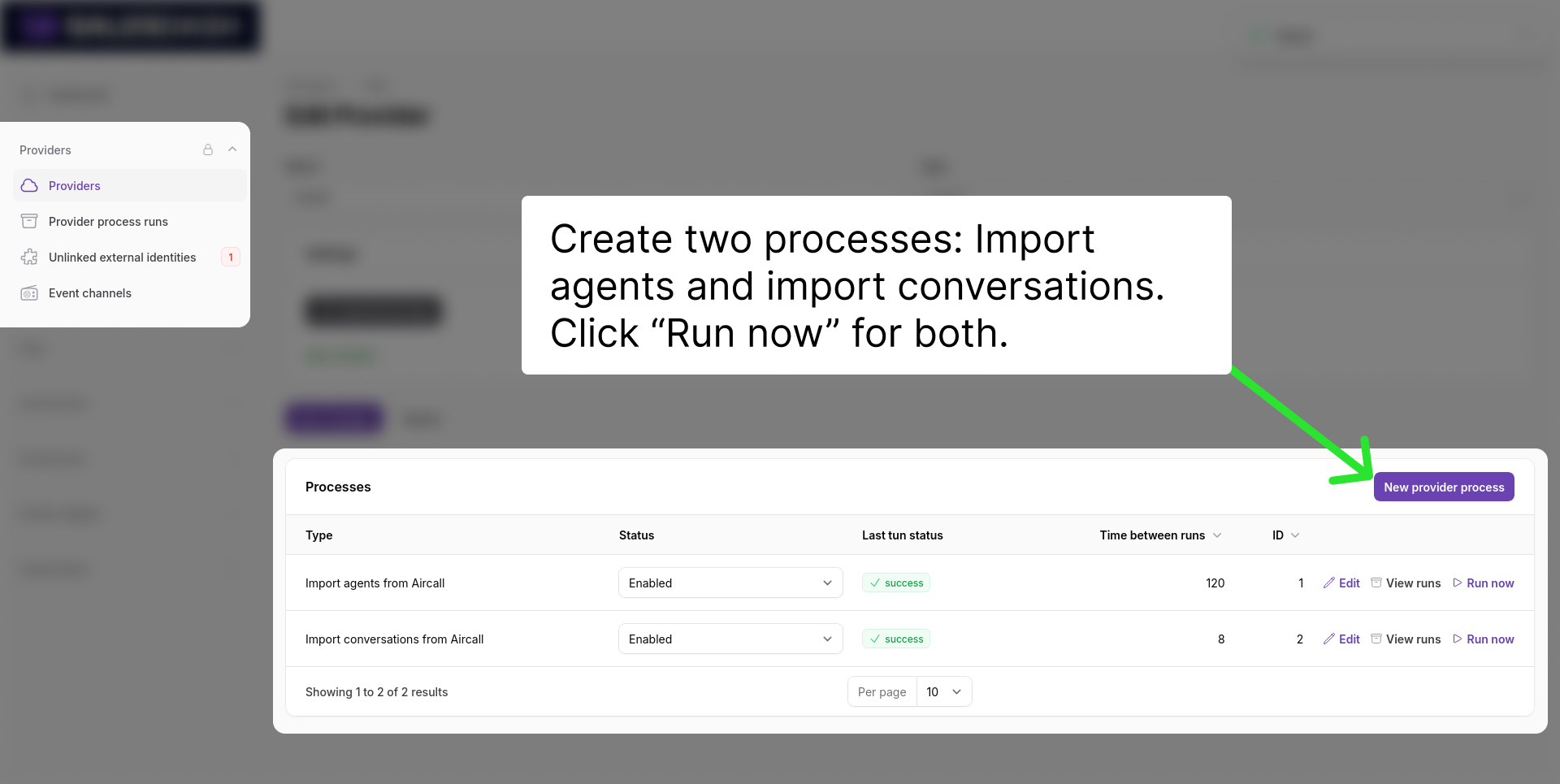
Calls will now be synted to SalesDash. You can see them at Data > Calls in de admin.
Now you can choose metrics like "Call count" and "Call time" when configuring dashboard widgets or gamification elements.