English
English

The REST API is how your own systems talk to SalesDash directly. You read the numbers SalesDash has calculated — which metrics exist, and what every agent scored on one over a date range — and you write goals into it from wherever you already plan them.
It sits alongside the two other ways data moves in and out:
| You want to | Use |
|---|---|
| Send activity into SalesDash — sales, calls, deals | A provider, or the webhooks provider |
| Read results out of SalesDash, or set goals from another system | The REST API, this section |
| Ask questions and act on the answers in conversation | The AI Connection |
A common shape is all three at once: a provider feeds activity in, SalesDash turns it into metrics, and the REST API hands those numbers to your intranet, your payroll run or your weekly report.
Every endpoint lives under your own SalesDash address:
https://yourcompany.salesdash-app.com/integrations/api/v1Replace the host with the address you use to sign in. The v1 in the path is the version — a future version will be added beside it rather than changing what v1 returns.
Go to Organization > API keys in the admin, click New API key, and give it a name that says which system will use it — Payroll export, Intranet dashboard.
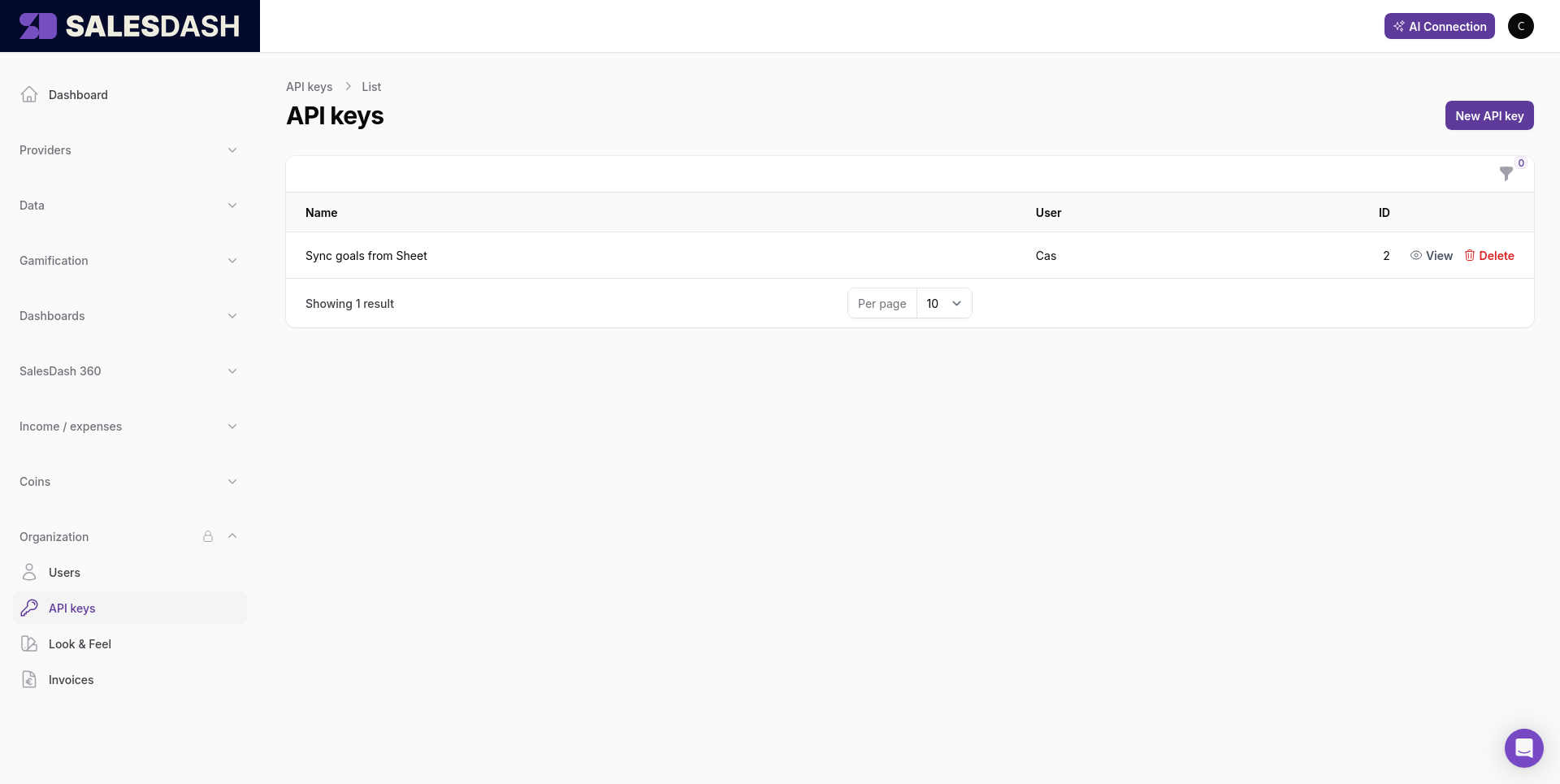
SalesDash shows you the key as soon as you create it, and you can open it again later with View in the list.
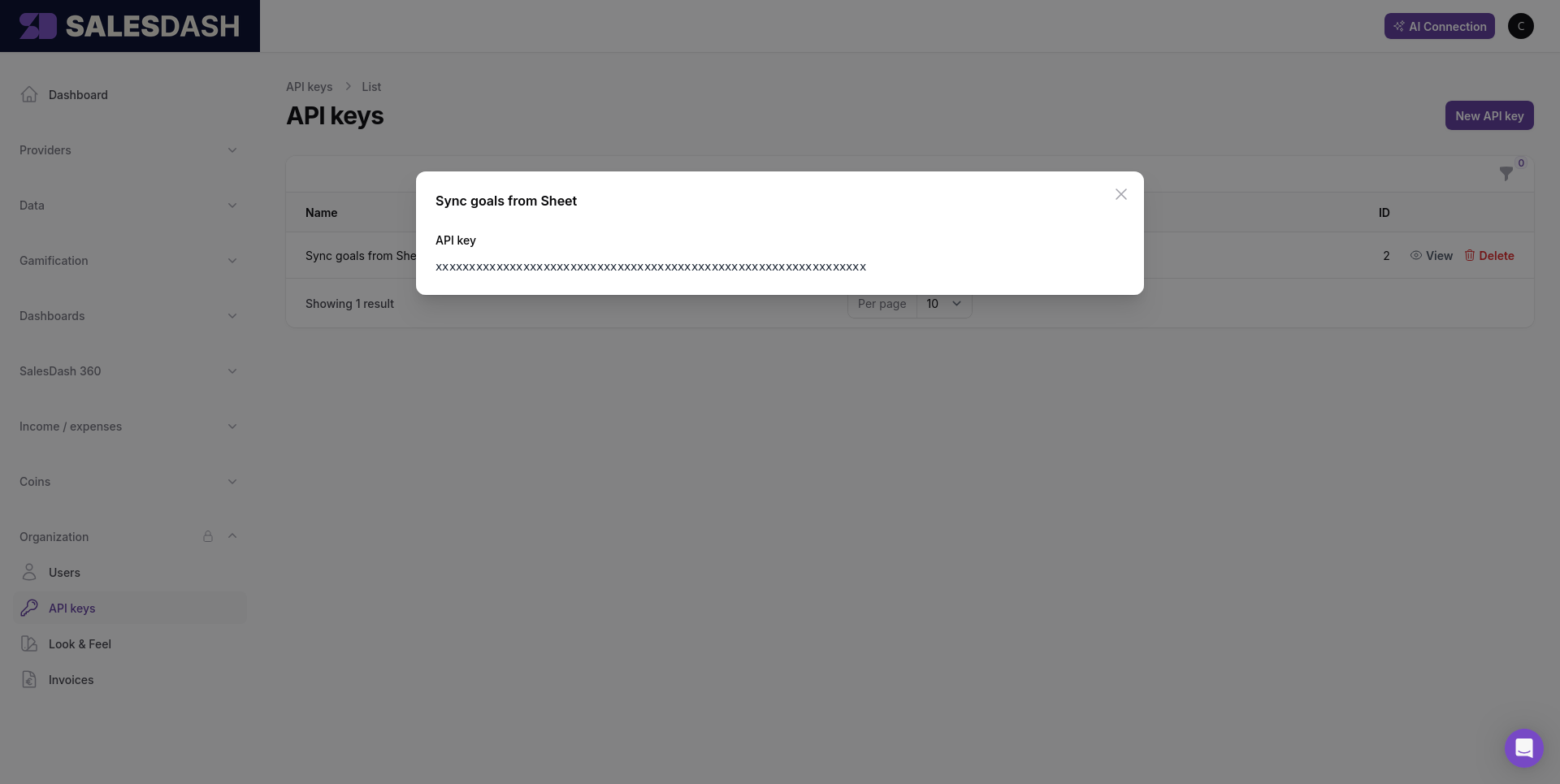
Create one key per system rather than sharing a single key around. When you retire an integration you then delete its key and nothing else stops working.
A key carries the access of the person who made it
A key belongs to the admin who created it and acts entirely as them. If that person stops being an admin, or loses access to SalesDash, every key they made stops working the same moment. When someone leaves, check whether an integration was running on their key.
Send the key as a bearer token on every request:
Authorization: Bearer YOUR_API_KEYTo check a key works, ask who it belongs to:
GET /integrations/api/v1/me{
"id": 1,
"name": "Fixture Admin",
"email": "admin@yourcompany.example"
}That is also the fastest way to find out which admin a key you inherited is running as.
401 Unauthorized — the key is missing, malformed, unknown, or belongs to someone who is no longer an active admin. The reason comes back in the WWW-Authenticate response header rather than in the body, so read that header when you are working out which of the four it was.
422 Unprocessable Content — the request reached SalesDash but something in it does not hold up: a date in the wrong format, a metric that cannot be scored per agent, a team that does not exist. The body names the field:
{
  "message": "Metric Revenue cannot be scored per agent. It is an organisation-level metric.",
  "errors": {
    "metric_id": [
      "Metric Revenue cannot be scored per agent. It is an organisation-level metric."
    ]
  }
}
A 422 is worth reading rather than retrying — the same request will fail the same way until you change it, or until someone changes the metric in the admin.
Messages come back in your environment's language
Error messages are translated the same way the rest of SalesDash is, so a Dutch environment answers in Dutch. Match on the errors key (metric_id, team_goals.0.team_id) rather than on the message text.
5xx — something failed on the SalesDash side, including a query that ran too long. These are worth retrying; a 422 is not.