English
English

SalesDash can connect to your Reuzenpanda CRM to sync deal pipeline activity to your dashboards and gamification metrics.
Before starting, please read the general principles
Go to Providers > Providers in the SalesDash admin and create a new provider. Choose "Reuzenpanda" as the type.
Click Enter API User Credentials. A modal opens asking for your Reuzenpanda API credentials. You can find these in the Reuzenpanda integration guide.
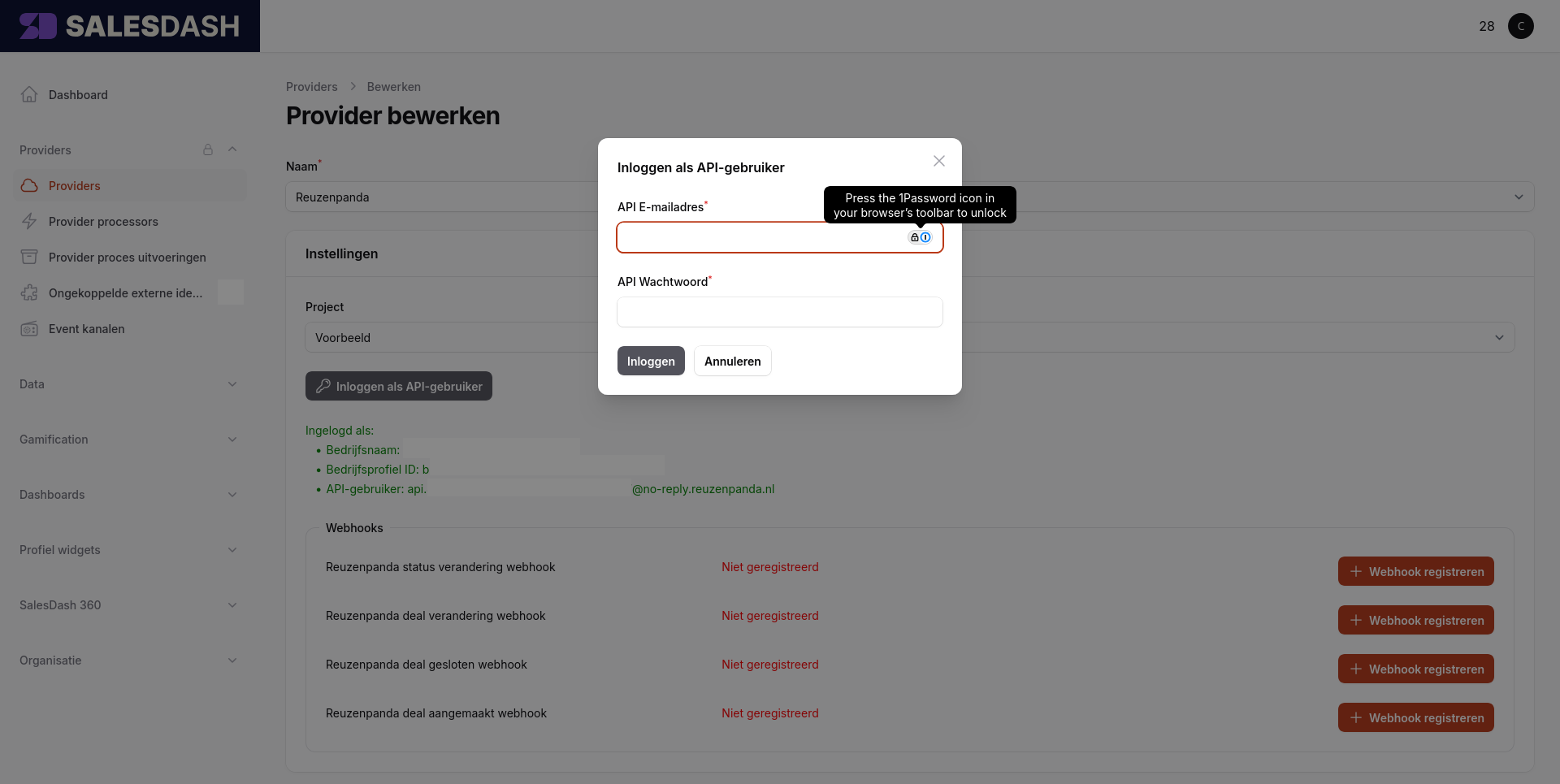
After clicking Login, the form confirms the connection with your company name and API user.
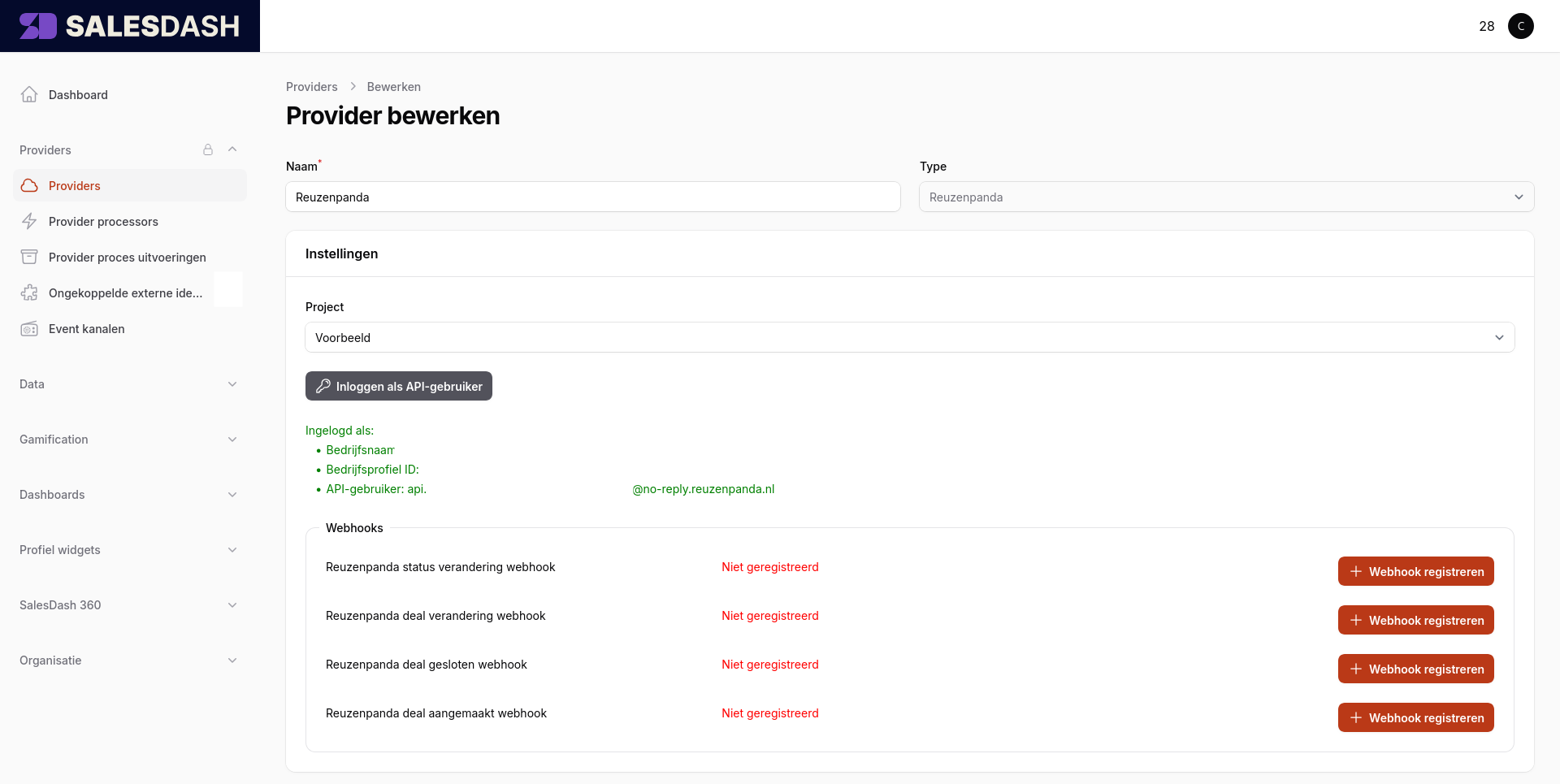
Webhooks push real-time events from Reuzenpanda to SalesDash — deal status changes, new deals, deal results, and reassignments.
In the provider form, click Register webhook next to each of the four webhooks to enable them.
Two processes are available. Create them in this order:
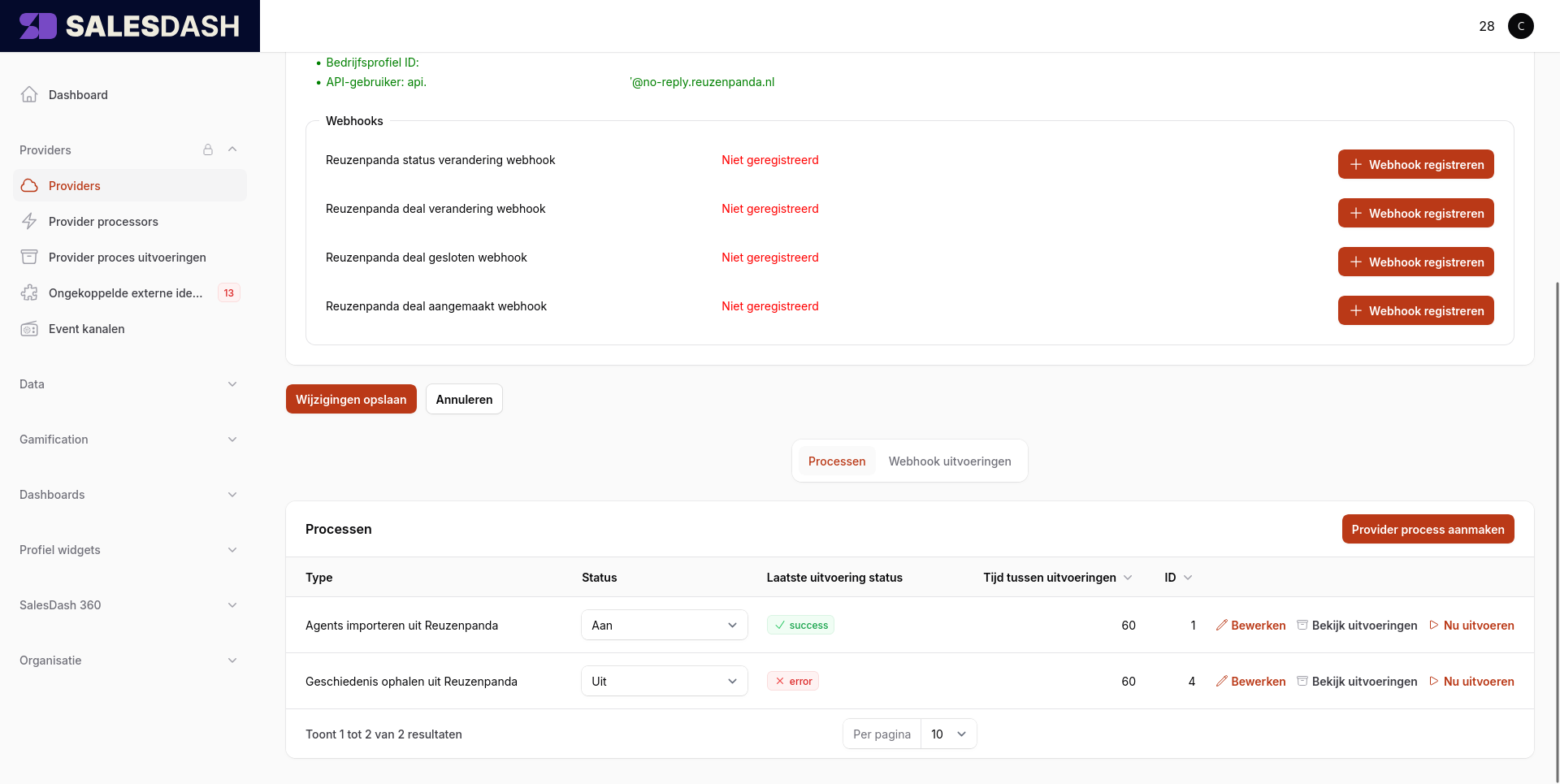
Activities are now synced to SalesDash. You can see them at Data > Activities in the admin.
The following activity types are created by this integration:
Reuzenpanda Status: {status} — when a deal moves to a new statusReuzenpanda Deal Created — when a new deal is createdReuzenpanda Deal Won — when a deal is wonReuzenpanda Deal Lost — when a deal is lostYou can use these types when configuring metrics for dashboard widgets or gamification elements.