English
English

Achievements are badges you earn by hitting milestones — closing deals, reaching your personal goal, or topping the leaderboard for the week. You collect them over time and show off your favourite next to your name.
You can see all of them on your achievements page.
Badges are awarded automatically — there's nothing to claim or fill in. The moment you do something that earns one — close enough deals, reach your goal, top the leaderboard — it lands in your collection, with a notification and a short celebration screen showing the badge you just unlocked.
Which badges exist, and what it takes to earn them, is set up by your admin. Some can be earned over and over (like a "10 sales this week" badge each week), while others are earned just once.
Your achievements page shows every badge available to you:
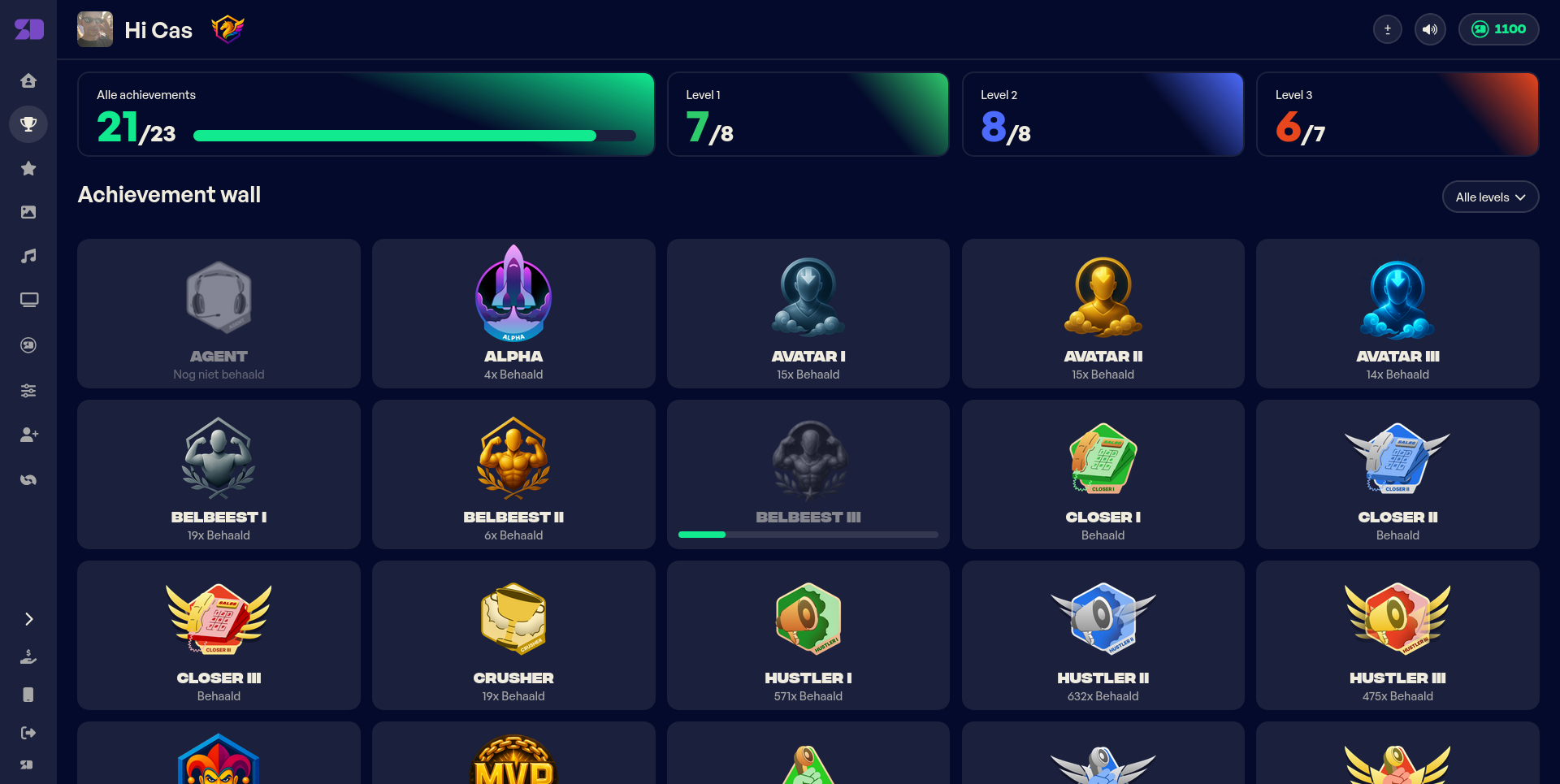
At the top you'll find your overall progress — how many badges you've earned out of the total, broken down by level. Some badges come in three levels (I, II, and III), each harder to reach than the last. Use the filter to focus on a single level.
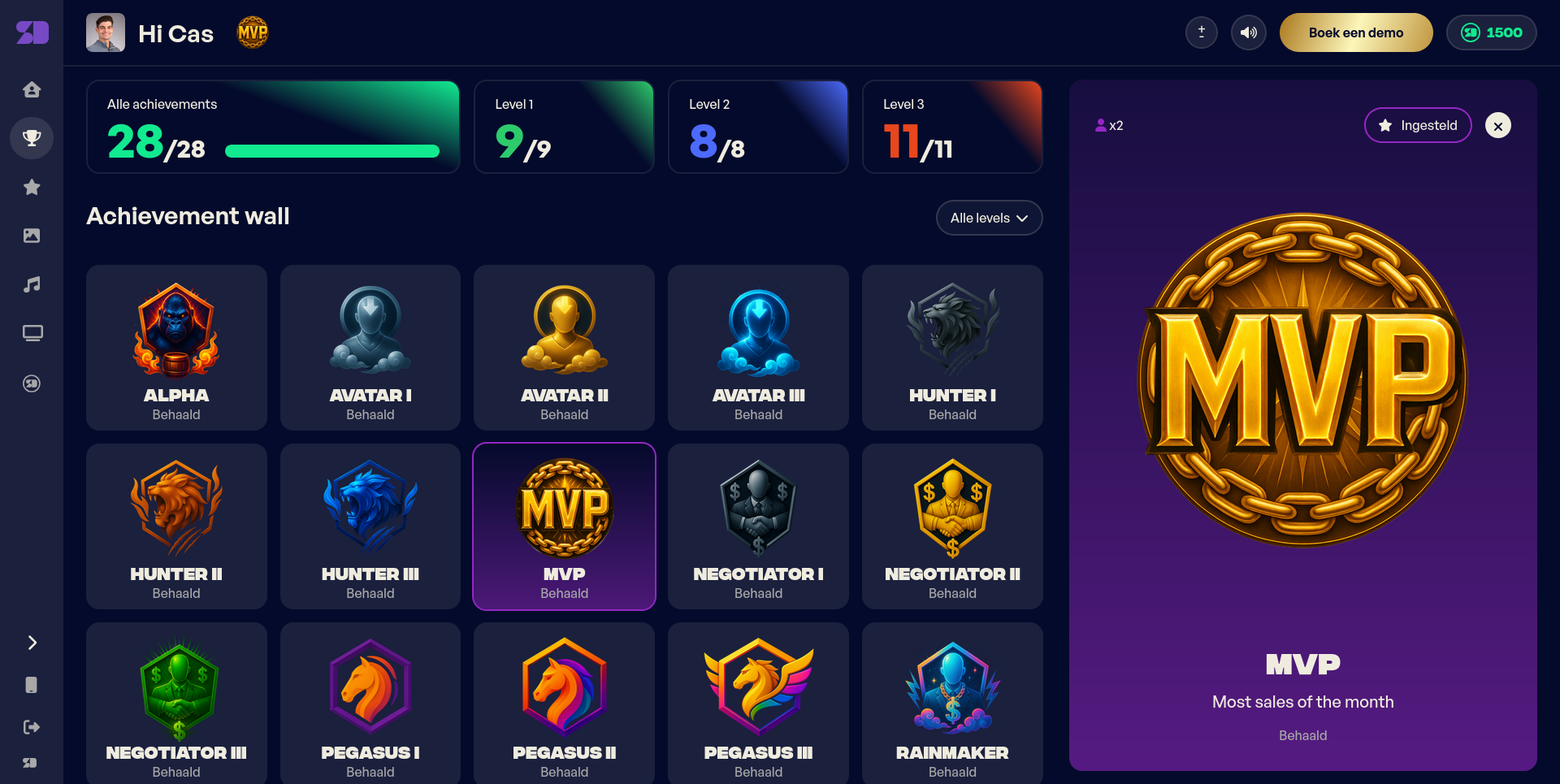
Click any badge to see its details: what it's for, how many times you've earned it, and how many of your colleagues have it too.
If your achievement wall is empty, no achievements have been set up for your team yet — ask your manager to configure some.
You can pick one earned badge to feature. Your featured badge shows up next to your name across SalesDash — on your profile, on leaderboards, and on the slideshows in the office.
To set one, open your achievements page, click an earned badge, and choose Select. To change it, select a different badge; to show none, deselect the current one.